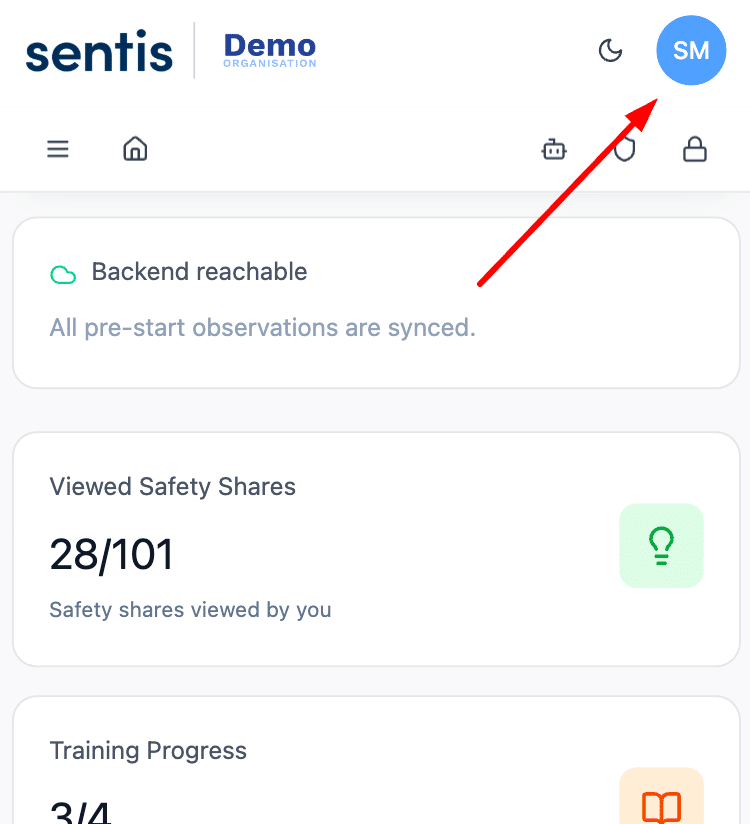
Your User Profile is where you manage your personal details, notification preferences and password. Open it at any time by clicking the profile icon in the top-right corner of the screen. The window that opens has three tabs: Account, Notifications and Security.
Account
The Account tab displays your personal information as it appears in the platform. You can update your Full Name, Email Address and Phone Number here. Your Role and Organisation are set by your administrator and may not be editable.
Once you’ve made any changes, click Save Changes to apply them.
Notifications
The Notifications tab controls how the platform communicates with you. Currently there’s one channel available: Email Notifications, which lets the platform send you updates and alerts by email. Toggle it on or off using the switch on the right.
Once you’ve set your preference, click Save Preferences to apply.
Security
The Security tab is where you update your password. Enter your Current Password, then your New Password, and re-enter it in the Confirm New Password field to verify.
Passwords must be at least 8 characters long and include at least one uppercase letter and one number.
Once all three fields are filled in correctly, click Change Password to apply the update.
This website uses cookies to improve your online experience and to provide site functionality. By using this website you agree to the use of cookies as outlined in our privacy policy. Learn More